
Your profession, not a fixed list
Type any profession or practice and organise the services that make sense for your work.
Add your own profession, define the services you sell, set default prices and save multiple reusable bill templates. Bill clients, share GST-ready PDFs and track revenue, payments and dues—with no product stock or inventory flow.
Type any profession or practice and organise the services that make sense for your work.
Keep multiple service-and-price combinations ready for repeat projects and client types.
See client history, paid, pending and overdue bills without product or inventory screens.
BillRaja does not force freelancers into a short, hardcoded list. Enter the profession or practice you run, add the services you actually sell, choose a unit such as job, hour or session, and set the prices you normally charge. The same workspace fits a solo professional, consultant, studio, agency or specialised practice without pretending that service work is product inventory.
Create one template for a standard engagement, another for premium work and more for different client needs. Each template keeps its own service rows, units and default prices. When it is time to bill, choose a template, select the client, make any one-off adjustment and review the full item list before creating the invoice.
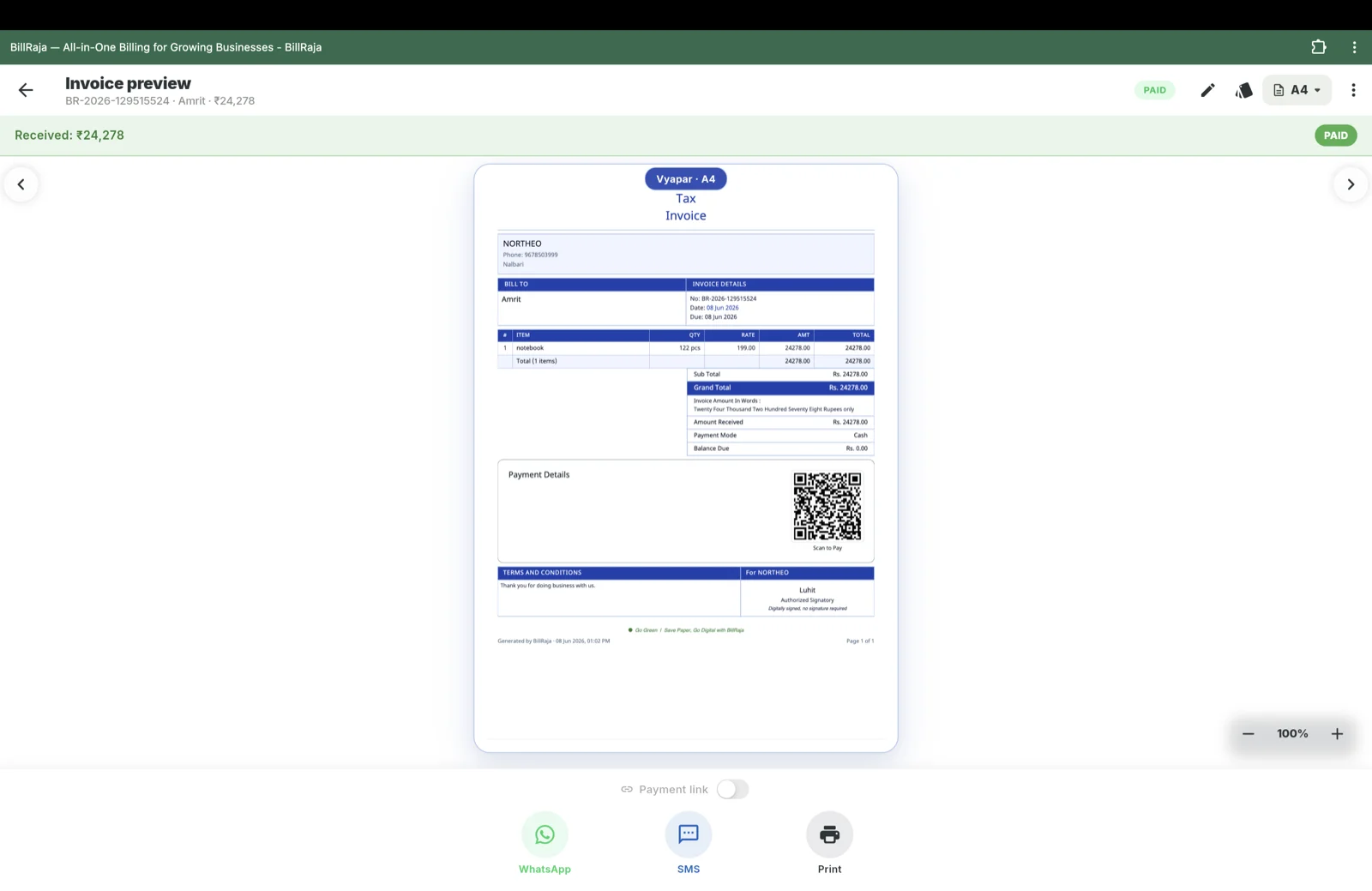
Service billing should show money and client work—not stock alerts. BillRaja keeps revenue, paid, pending and overdue amounts visible, connects every invoice to the client, and shares professional GST-ready PDFs with UPI payment details. Product quantities and stock movements stay out of the freelancer flow.
Type the profession or practice you run. BillRaja does not force you into a hardcoded category.
List the work you offer, choose a unit such as job, hour or session, and set a default price you can still change on each bill.
Create separate templates for different projects, packages or client types, then start future bills without typing the same rows again.
Choose a saved client, adjust services, quantities, GST, discount or price, and review exactly what the client is being billed for.
Share a clean PDF with UPI details, then follow revenue, paid, pending and overdue bills from the freelancer dashboard.
One app, three modes. Download on Google Play or open the desktop app and pick the workspace that matches your business.